
Write a task
The Cua Bench task module: variants, setup, oracle and evaluator, the computer configuration, and the session operations they use.
The Cua Bench task module: variants, setup, oracle and evaluator, the computer configuration, and the session operations they use.
A task is a directory with a main.py whose decorated functions cb
discovers. cb task create <name> scaffolds one; this is the whole contract.
This is the task cb task create scaffolds: each variant asks for one word in
a file, in the Linux sandbox.
import cua_bench as cb

ANSWER = "/tmp/answer.txt"
WORDS = ["hello", "bench"]


@cb.tasks_config(split="train")
def load():
    return [
        cb.Task(
            description=f"Create the file {ANSWER} containing only the word '{word}'.",
            metadata={"word": word},
            computer={
                "provider": "native",
                "setup_config": {"os_type": "linux", "width": 1024, "height": 768},
            },
        )
        for word in WORDS
    ]


@cb.setup_task(split="train")
async def start(task_cfg: cb.Task, session: cb.DesktopSession):
    await session.run_command(f"rm -f {ANSWER}", check=False)


@cb.evaluate_task(split="train")
async def evaluate(task_cfg: cb.Task, session: cb.DesktopSession) -> list[float]:
    if not await session.file_exists(ANSWER):
        return [0.0]
    answer = (await session.read_file(ANSWER)).strip()
    return [1.0 if answer == task_cfg.metadata["word"] else 0.0]


@cb.solve_task(split="train")
async def solve(task_cfg: cb.Task, session: cb.DesktopSession):
await session.write_file(ANSWER, task_cfg.metadata["word"])| Decorator | Signature | Returns |
|---|---|---|
@cb.tasks_config | load() | list[cb.Task], the variants, indexed from 0 by --variant-id. Runs when the module loads. |
@cb.setup_task | async (task_cfg, session) | Nothing. Prepares the selected variant. |
@cb.solve_task | async (task_cfg, session) | Nothing. Optional oracle, run by --oracle. |
@cb.evaluate_task | async (task_cfg, session) | Rewards, commonly list[float]; several components are allowed. |
Each decorator takes a split, positionally or as split= (default train).
Keep the oracle and the evaluator independent: the evaluator defines success,
the oracle is one way to reach it.
cb.Task#| Field | Description |
|---|---|
description | The objective shown to the agent (required). |
task_id | Stable identifier. |
metadata | Variant data your lifecycle functions read. |
computer | {"provider": ..., "setup_config": {...}}. |
provider is native (a cua SDK sandbox; the retired simulated provider
runs on the bench-web Linux desktop, which ships bench-ui, with a warning). setup_config takes:
| Key | Meaning |
|---|---|
os_type | linux, windows, macos (local only) or android (local only). |
image | Registry image. --image overrides it; else CUA_BENCH_IMAGE, else the SDK default. |
runtime | The kind: container (Linux only) or vm. --kind overrides it. |
server_port | Port of a daemon the image serves itself, used for readiness. |
width, height | Screen size. |
Setup, oracle or agent, and evaluation run in the cb process and drive a
native sandbox through cua-spacesd, so the image must ship it (the default
linux image does).
cb.DesktopSession operations are async; support depends on the provider.
| Operation | Result |
|---|---|
run_command(cmd, check=...) | Runs a shell command in the sandbox. |
read_file(path), write_file(path, content), file_exists(path) | Files in the sandbox. |
launch_window(html=..., title=...) | Opens HTML, a folder or a URL (images that ship bench-ui); returns a window id. |
execute_javascript(pid, script) | Evaluates JavaScript in a task window. |
click_element(pid, selector) | Scrolls a CSS selector into view and clicks it; an <option> is selected. |
execute_action(action) | Sends a Cua Bench input action. |
screenshot() | PNG bytes. |
Scaffold a task, check its functions, then score it with its oracle in a local Linux sandbox:
cb task create first-task
cb task info first-task
cb run first-task --variant-id 0 --oracle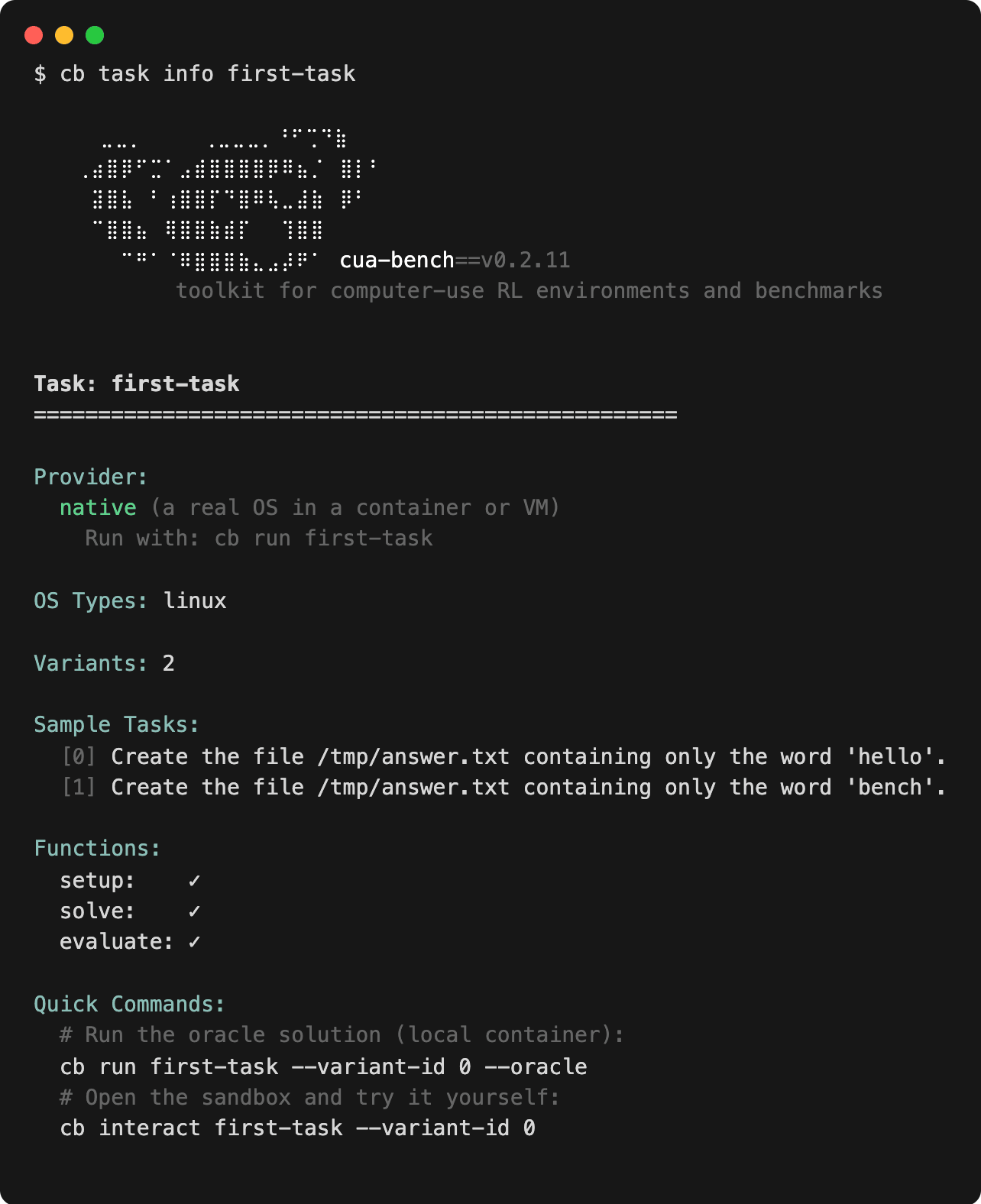
A missing check mark in info means a function is not decorated with the
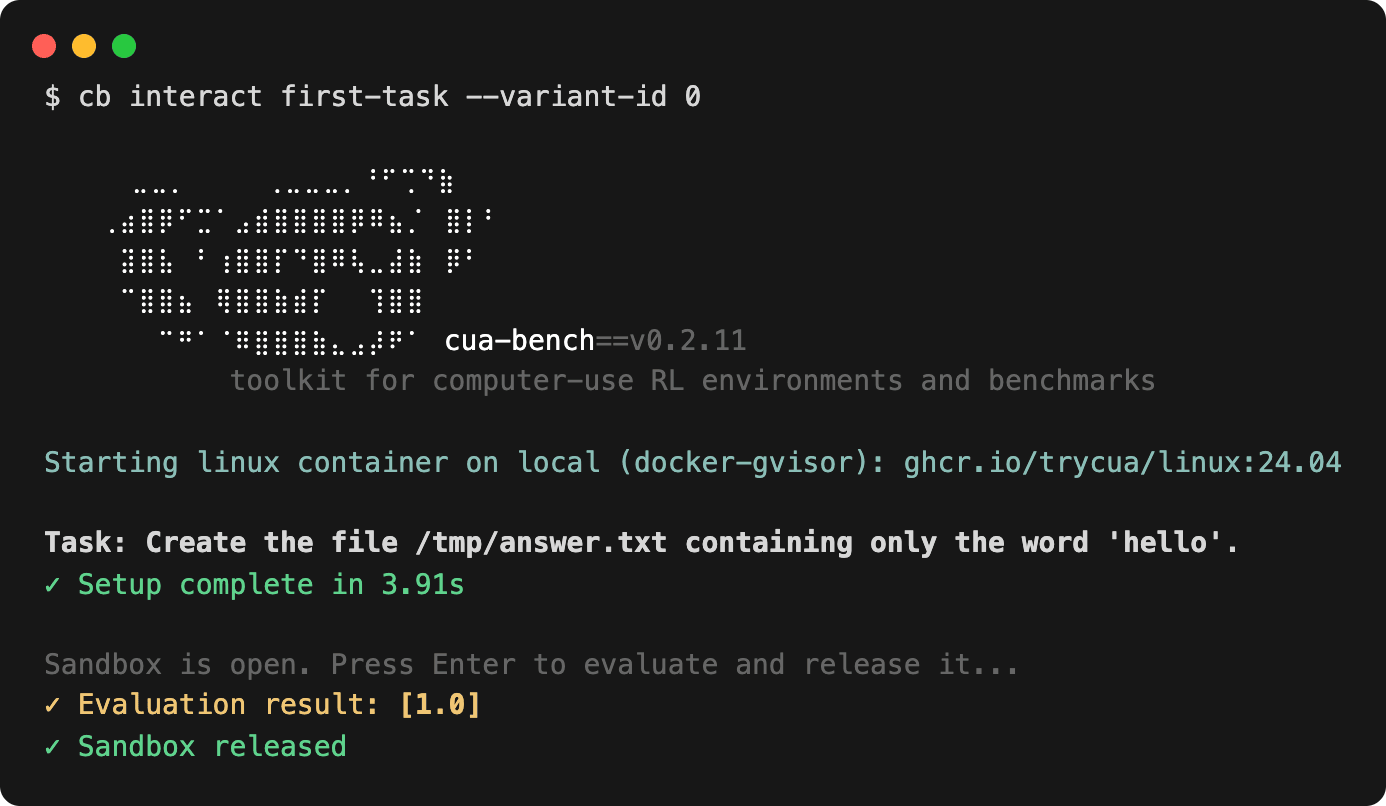
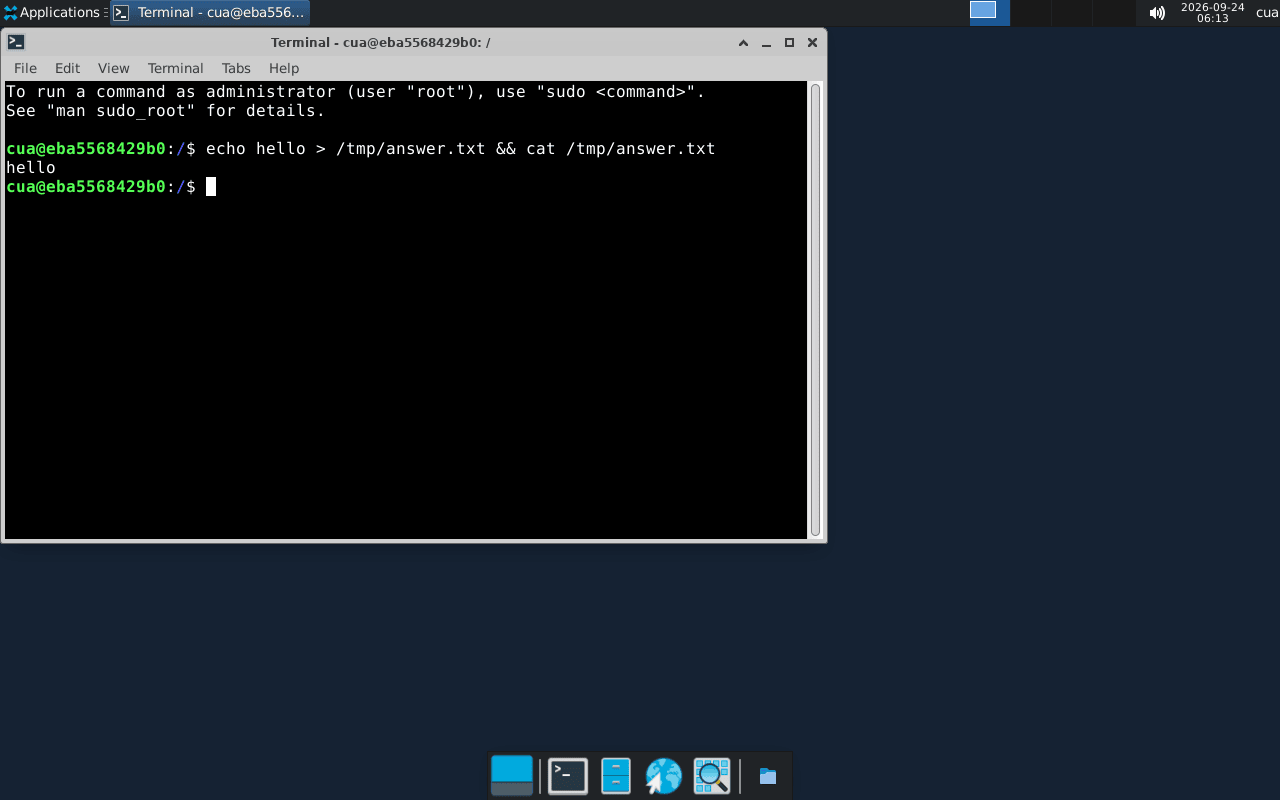
split being loaded. To solve it yourself, cb interact first-task --variant-id 0
opens the sandbox; press Enter to evaluate and release it:
To publish tasks as a taskset, pin their directory in a registry index: see Your own registry.