
Quickstart
Install the cua CLI, start a local sandbox, run a command in it, then start the same sandbox in the cloud.
Install the cua CLI, start a local sandbox, run a command in it, then start the same sandbox in the cloud.
Start a Linux sandbox on this machine, run a command in it, then run the same sandbox in the cloud by changing one flag.
cua runtime doctor lists them).curl -fsSL https://cua.ai/install.sh | sh -s -- --cli-only # or: pip install cua, npm i -g @trycua/cuacua sb create linux --name dev
cua sb exec dev "uname -a"
cua sb screenshot dev -o dev.png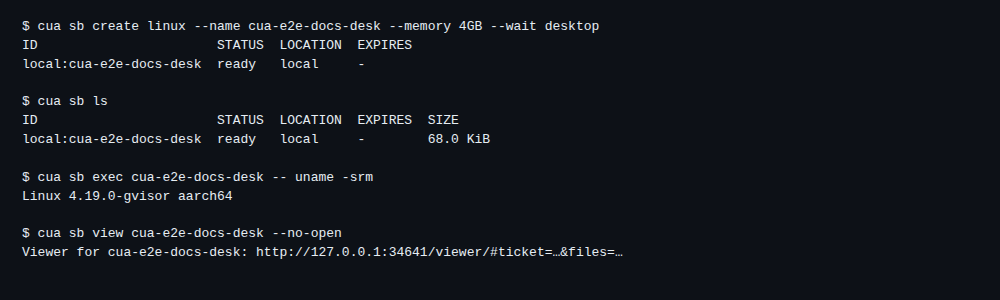
exec prints the guest's kernel line and exits with the command's status;
dev.png is the sandbox desktop. With --json the result is structured:
cua --json sb exec dev pwd # {"stdout": ..., "stderr": ..., "returncode": 0}--wait desktop returns once the desktop session takes input (display,
window manager and Cua Driver). cua do input waits for it too, and fails
when input reaches no window.
cua sb create linux --name desk --wait desktop
cua do switch desk
cua do launch xfce4-terminal   # waits for the new window and focuses it
cua do type "echo hello"
cua do key entercua auth login
cua sb create linux --on cloud --name dev-cloud
cua sb exec dev-cloud "uname -a"cua sb ls lists both, local and cloud.
cua sb rm dev
cua sb rm desk
cua sb rm dev-cloud     # releases the cloud sandbox