
Control the desktop
Take screenshots, click and type, call typed Cua Driver tools, open a shell or a browser view, and attach to any cua-spacesd.
Take screenshots, click and type, call typed Cua Driver tools, open a shell or a browser view, and attach to any cua-spacesd.
Images that ship cua-spacesd (port 3211, service env), such as
Image.linux(), expose the desktop. spacesd delegates pointer and keyboard
input to Cua Driver in the guest. On an image without spacesd, sb.spacesd() and
the interfaces below raise SpacesdNotAvailable.
| Surface | Use it for |
|---|---|
sb.screenshot(), sb.mouse, sb.keyboard, sb.shell, sb.files | Scripts and agent loops |
sb.driver.connect() | The full Cua Driver API: windows, accessibility, background input |
cua mcp --sandbox NAME | Coding agents and MCP clients |
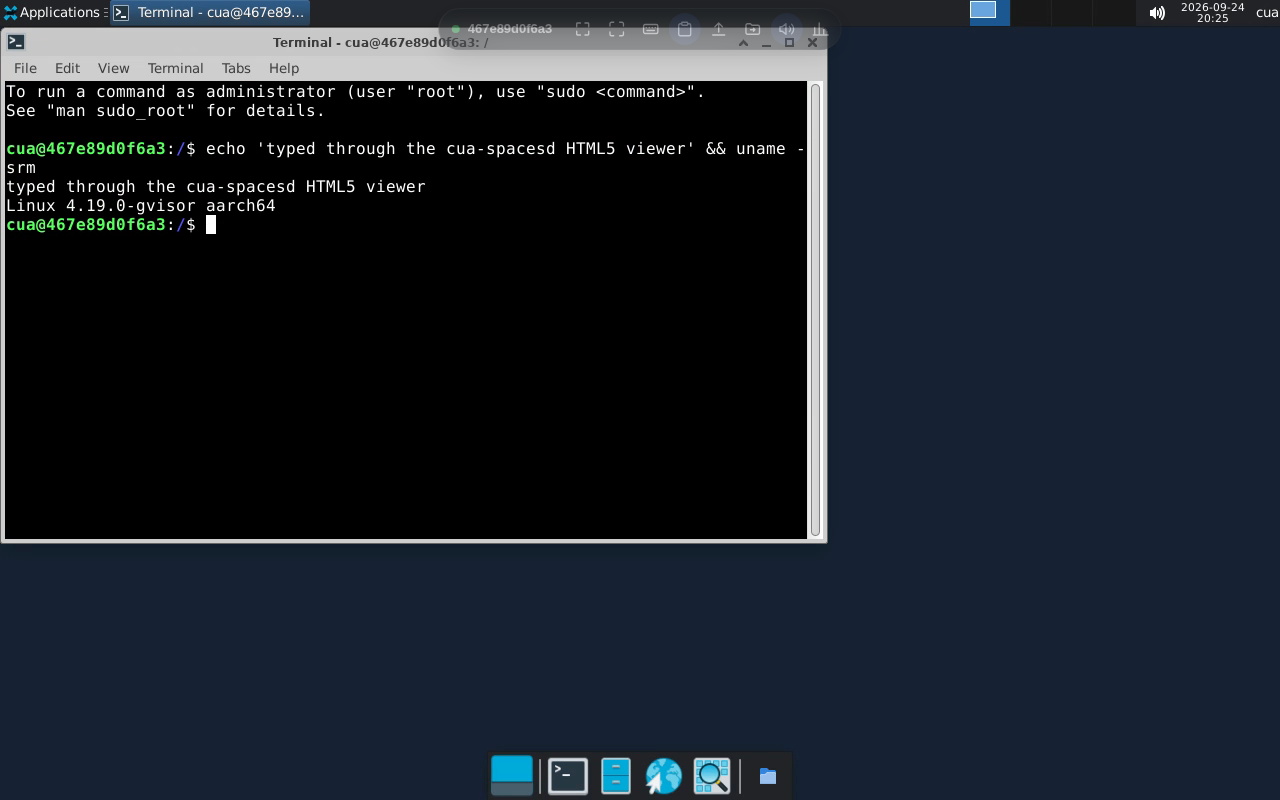
from pathlib import Path
from cua_sandbox import Image, Sandbox

async with Sandbox.ephemeral(Image.linux(), local=False) as sb:
    width, height = await sb.get_dimensions()
    await sb.mouse.click(width // 2, height // 2)
    await sb.keyboard.type("hello")
    await sb.keyboard.keypress(["ctrl", "a"])
Path("desk.png").write_bytes(await sb.screenshot())pip install --extra-index-url https://wheels.cua.ai/simple 'cua-sandbox[driver]==0.8.0'from cua_driver import GetScreenSizeInput
async with Sandbox.ephemeral(image, local=False) as sb:
async with sb.driver.connect() as driver:
result = await driver.get_screen_size(GetScreenSizeInput(session=None))
print(result.text)connect() goes through spacesd's /mcp route with the sandbox's own
credentials; connect(service="mcp", transport="mcp") selects a named MCP
service instead.
For agents, cua mcp is a stdio MCP server with sandbox and computer tools:
cua mcp --sandbox deskA shell is a PTY served by spacesd; no SSH needed.
cua sb shell dev                    # interactive login shell
cua sb shell dev python3            # a program in a PTY
cua sb exec dev ls -la /tmp         # one command, no PTY
from cua_sandbox import Sandbox, Image
async with Sandbox.ephemeral(Image.linux(), local=True) as sb:
session = await sb.terminal.create(cols=80, rows=24) # command='python3' for a program
pid = session['pid']
await sb.terminal.send_input(pid, 'echo hello\n')
print(await sb.terminal.info(pid))
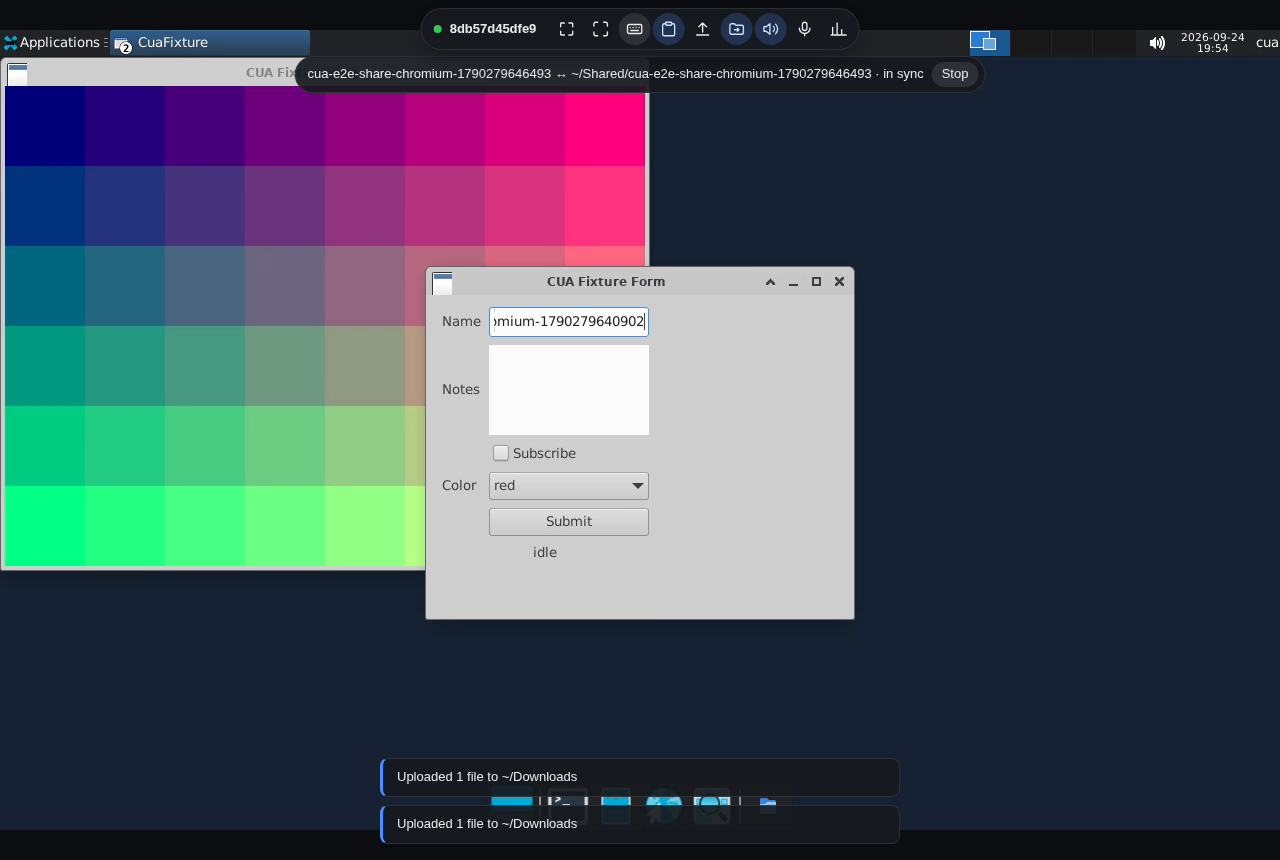
print('closed:', await sb.terminal.close(pid))Images with cua-spacesd, such as Image.linux(), serve an HTML5 viewer at
/viewer/ on the env service (port 3211). It streams H.264 video
(WebCodecs, PNG fallback) and Opus audio, and sends keyboard, mouse and touch
input through Cua Driver.
cua sb view desk                        # open the viewer
cua sb view desk --view-only --no-open  # print a watch-only link
cua sb view desk --files none --ttl 30m # no file access, link valid 30 minutes
cua sb create linux --name desk2 --view # open it when the sandbox is ready
cua viewer                              # one local page for every sandbox (Cua Spaces)
from cua_sandbox import Image, Sandbox
async with Sandbox.ephemeral(Image.linux(), local=False) as sb:
print(await sb.viewer_url())The cua SDK's sb.viewer_url(options) (Rust, Python, TypeScript, Swift,
Kotlin) returns {url, expires_at_unix}; options are ttl_seconds,
view_only, clipboard, files_root and microphone. The MCP tool is
sandbox_view.
The link carries a viewer ticket in its fragment (/viewer/#ticket=...).
The ticket authorizes only the viewer's calls (streaming, plus clipboard and
files when granted; never processes or tokens), expires (default 1 hour, at
most 24 hours) and is revoked when the root token rotates. The page moves it
out of the address bar. In the cloud the link is a signed env service URL;
no Fleet credential reaches the browser.
The toolbar has full screen, fit or 1:1 scaling, a keys menu
(Ctrl+Alt+Del, Alt+Tab, ...), two-way clipboard, file upload (drop files or
click Upload; they land in ~/Downloads), folder sharing, microphone and
stats.
| Feature | Chrome, Edge | Firefox | Safari |
|---|---|---|---|
| Video, input, typing, audio | yes | yes | yes |
| Clipboard to the sandbox | Ctrl+V, and on focus | Ctrl+V | Ctrl+V |
| Clipboard from the sandbox | automatic (text and images) | automatic (text) | automatic, or a one-click Copy |
| File upload | yes | yes | yes |
| Folder sharing | yes | no | no |
| Microphone | yes | yes | not verified |
| Full screen | yes, with keyboard lock | yes | yes |
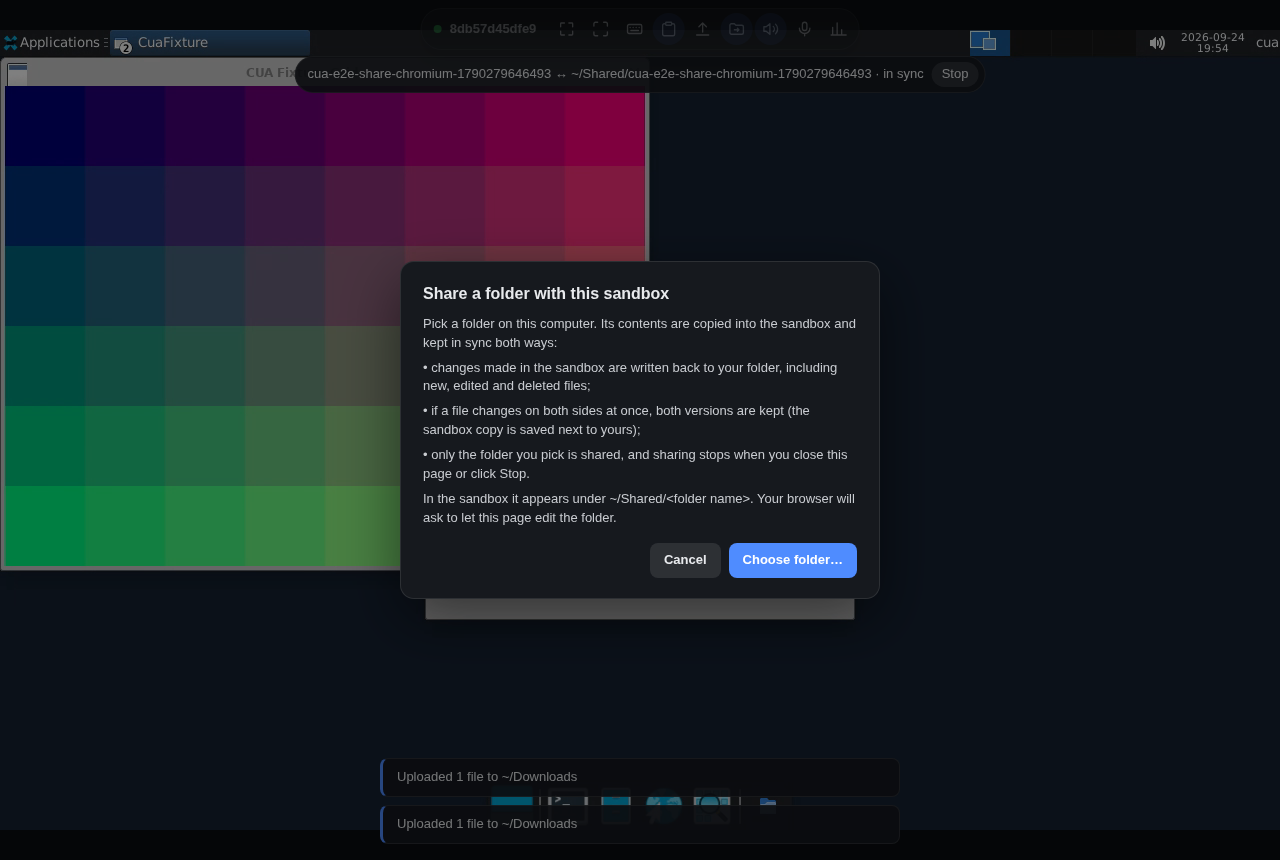
Folder sharing picks a local folder and keeps it in sync with
~/Shared/<name> both ways. When a file changes on both sides, both are kept:
the sandbox version is saved as name (sandbox copy YYYY-MM-DD HHMMSS).ext.
Sharing stops when you close the page or click Stop.
The viewer needs a secure context (https or localhost) for WebCodecs, clipboard and folder access. Local sandboxes use a loopback port and the cloud uses https. Over plain http to a LAN address it falls back to PNG frames without clipboard or folders.
Images without cua-spacesd that serve their own web display page open with
cua sb view NAME --service <service>.
To use any machine that runs cua-spacesd, or to run it yourself, see Attach to or run cua-spacesd.