
Build your first Cua Bench task
Create a Cua Bench task, score it with its oracle in a local Linux sandbox, solve it yourself, then hand it to an agent.
Create a Cua Bench task, score it with its oracle in a local Linux sandbox, solve it yourself, then hand it to an agent.
In this walkthrough you create a small computer-use task, check it with its built-in oracle solution in a Linux sandbox on your machine, solve it yourself in the same sandbox, and then hand it to an agent. You need no API key until the agent step.
ghcr.io/trycua/linux:24.04 sandbox (Docker, and
gVisor when installed). Check it with the cua CLI:cua runtime doctoruv tool install cua-benchThis puts the cb command on your PATH. cb --help lists its command
groups, including run, interact, task and trace.
Create a working directory and scaffold a task in it:
mkdir cua-bench-tutorial && cd cua-bench-tutorial
cb task create first-task
Answer the prompts, for example:
Author name: Your name
Author email: you@example.com
License [MIT]:
Task description: Write a word to a file
Task difficulty (easy|medium|hard) [easy]:
Task category (e.g., grounding, software-engineering) [grounding]:
Tags (comma-separated): starter,linux
The scaffold is two files:
first-task/
├── main.py
└── pyproject.toml
main.py defines the whole task lifecycle. The starter defines two variants,
each asking for one word in /tmp/answer.txt, and four functions:
@cb.tasks_config(split="train")
def load(): ...        # the variants and the machine they run on (native Linux)

@cb.setup_task(split="train")
async def start(task_cfg, session): ...     # remove any old answer

@cb.solve_task(split="train")
async def solve(task_cfg, session): ...     # the oracle: write the right word

@cb.evaluate_task(split="train")
async def evaluate(task_cfg, session): ... # 1.0 if the file holds the wordcb task info first-task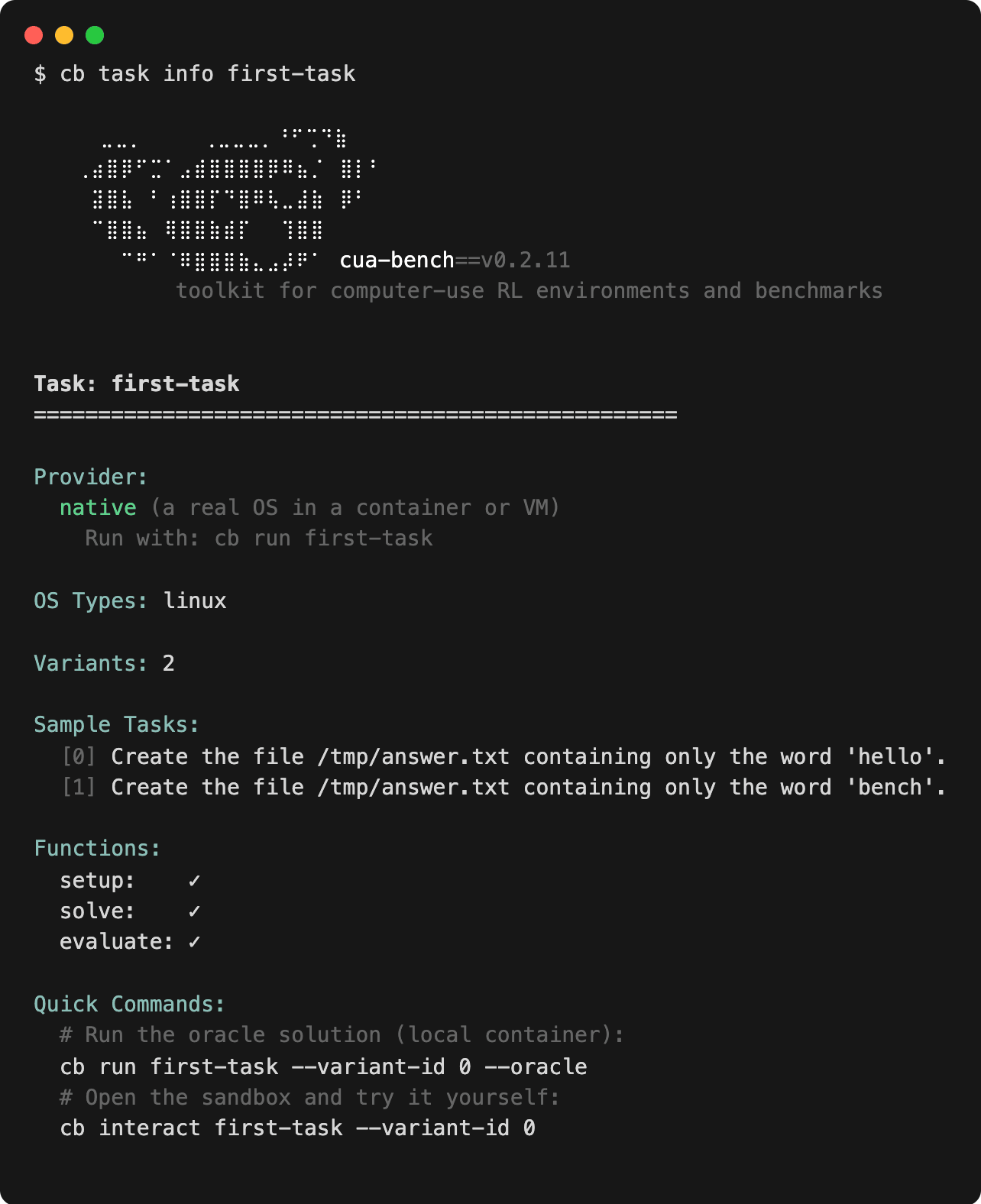
The provider is native: a real OS in a container or VM. The check marks
confirm that Cua Bench found the setup, solve and evaluate functions.
cb run first-task --variant-id 0 --oraclecb run starts a Linux sandbox, runs the setup, the oracle solution and the
evaluator, and releases the sandbox. It reports reward=1. A failing oracle
means the task is broken, not the agent.
Open the same variant without the oracle:
cb interact first-task --variant-id 0cb interact sets the task up, prints the sandbox's Display: link and opens
the viewer in your browser. Open a terminal in the sandbox desktop and write
the answer:
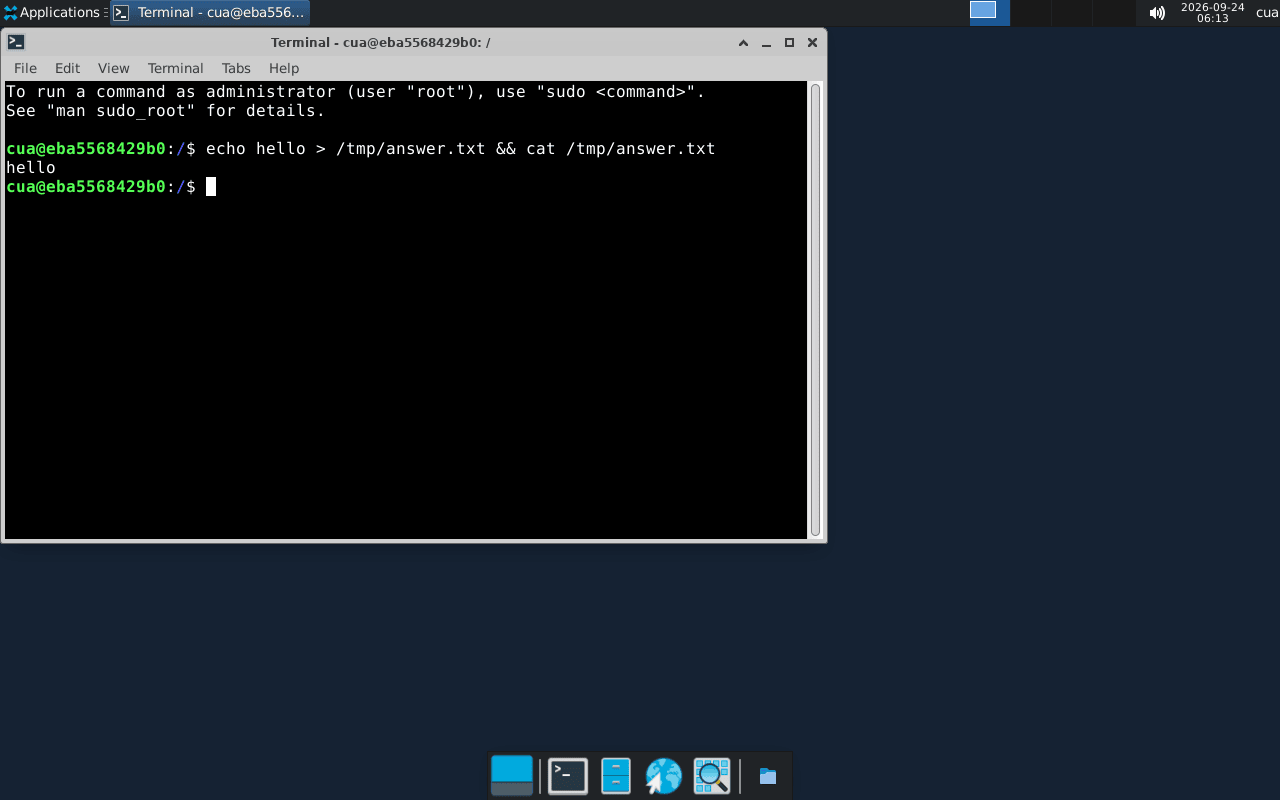
Return to your terminal and press Enter. Cua Bench evaluates the sandbox and releases it:
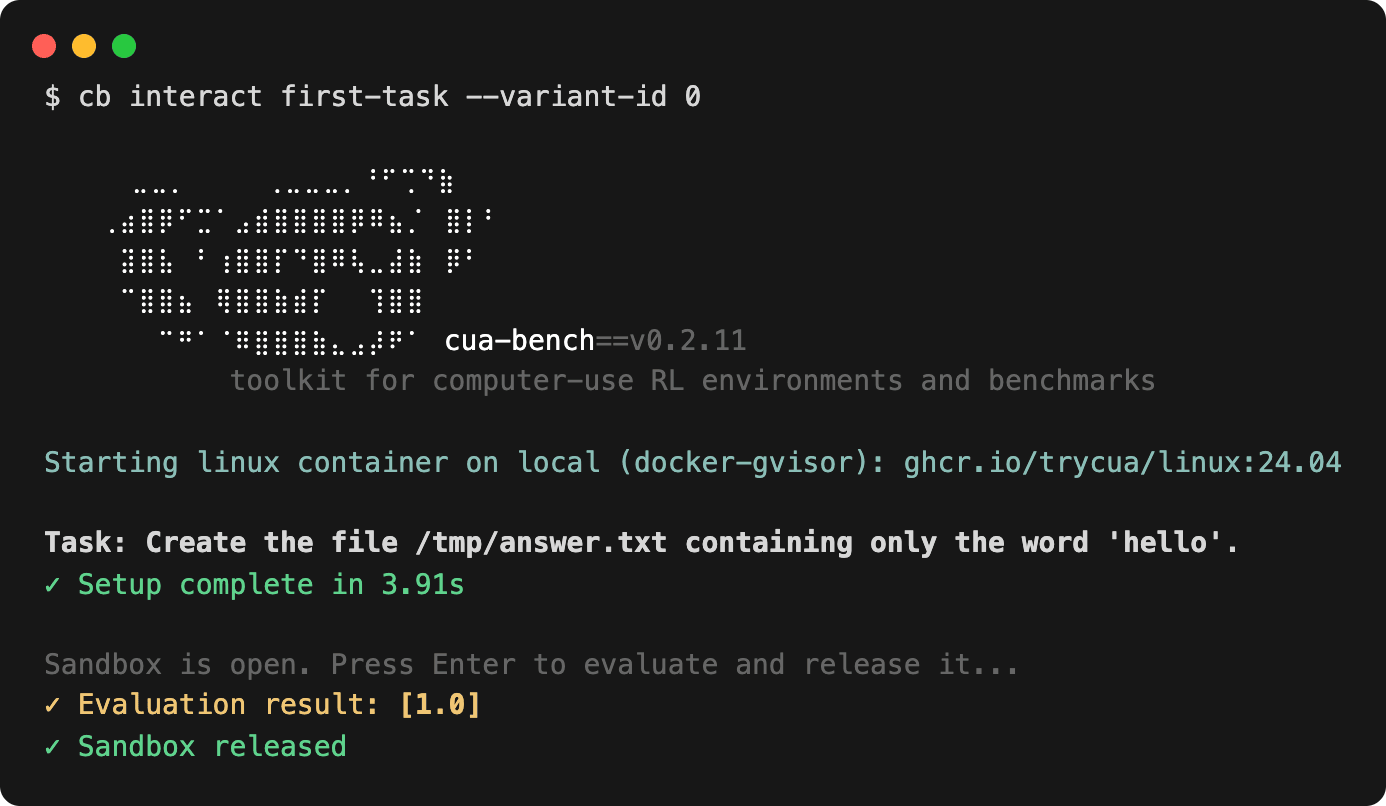
The evaluator that scored the oracle also scored your attempt.
cb run first-task --agent cua-agent --model anthropic/claude-sonnet-4-20250514
cb run first-task --agent cua-agent --model <model> --on cloud   # after cua auth login
--on local (the default) runs tasks in sandboxes on this machine; --kind,
--runtime, --image, --cpu and --memory shape them.
cd .. && rm -rf cua-bench-tutorialRun results stay in ~/.local/share/cua-bench/runs. Keep fewer with
cb prune --runs --keep N.
You created a task with variants, a setup function, an oracle solution and an evaluator, and used the same evaluator to score the oracle, your own attempt and an agent.