
Add a Space
Create a Space locally or in the cloud, or from any image, follow or cancel the create, add a GPU, add an existing machine, then list, delete or remove it.
Create a Space locally or in the cloud, or from any image, follow or cancel the create, add a GPU, add an existing machine, then list, delete or remove it.
The Quickstart adds an existing machine by URL. The
same spaces object also creates Spaces. Ids are the sandbox refs cua sb ls
prints (local:<name>, cloud:<name>, direct:<host:port>,
relay:<machine-id>); a bare name works when it matches one Space.
created = await spaces.create(cua.SpaceCreateOptions(on="local", cpus=2, memory_mb=4096))
space = await spaces.space(created.space.id)
Runs ghcr.io/trycua/linux:24.04 (or image) with a fresh env token. on,
kind and runtime work as for sandboxes;
without on, the Space runs where cua config get default.on says (local
unless you changed it; the Spaces app sets it in Settings, Default location).
cua runtime doctor shows what this host has.
Needs cua auth login, or CUA_CLIENT_ID and CUA_CLIENT_SECRET. Cloud
Spaces are metered until deleted.
created = await spaces.create(cua.SpaceCreateOptions(on="cloud"))
space = await spaces.space(created.space.id)
# ...
await spaces.delete(created.space.id)
reuse=True returns a registered, reachable Space in the same location first
(created.reused says so). With wait=False, created.pending_id names a
Space that is not ready yet.
create takes image, command, env and services. An image that serves
MCP becomes a Space of that service, with no cua-spacesd:
created = await spaces.create(cua.SpaceCreateOptions(
    image="<your-mcp-server-image>",
    command=["python", "-m", "acme_mcp", "--port", "8765"],
    services={"mcp": 8765},
))
space = await spaces.space(created.space.id)
tools = await space.list_tools("mcp")
result = await space.call_tool("add", '{"a": 2, "b": 3}', "mcp", None)| Works on every Space | Needs cua-spacesd in the image |
|---|---|
Lifecycle, declared services, tunnels, public URLs, list_tools / call_tool with service | bash, files, streaming, presence, teleport, agent runs, the driver tool registry |
Spacesd features on an image without it fail with CapabilityMissing. The
canonical images and machines set up with cua host setup run cua-spacesd.
In the cloud, command and env work on container and VM images alike.
Keep secrets out of env.
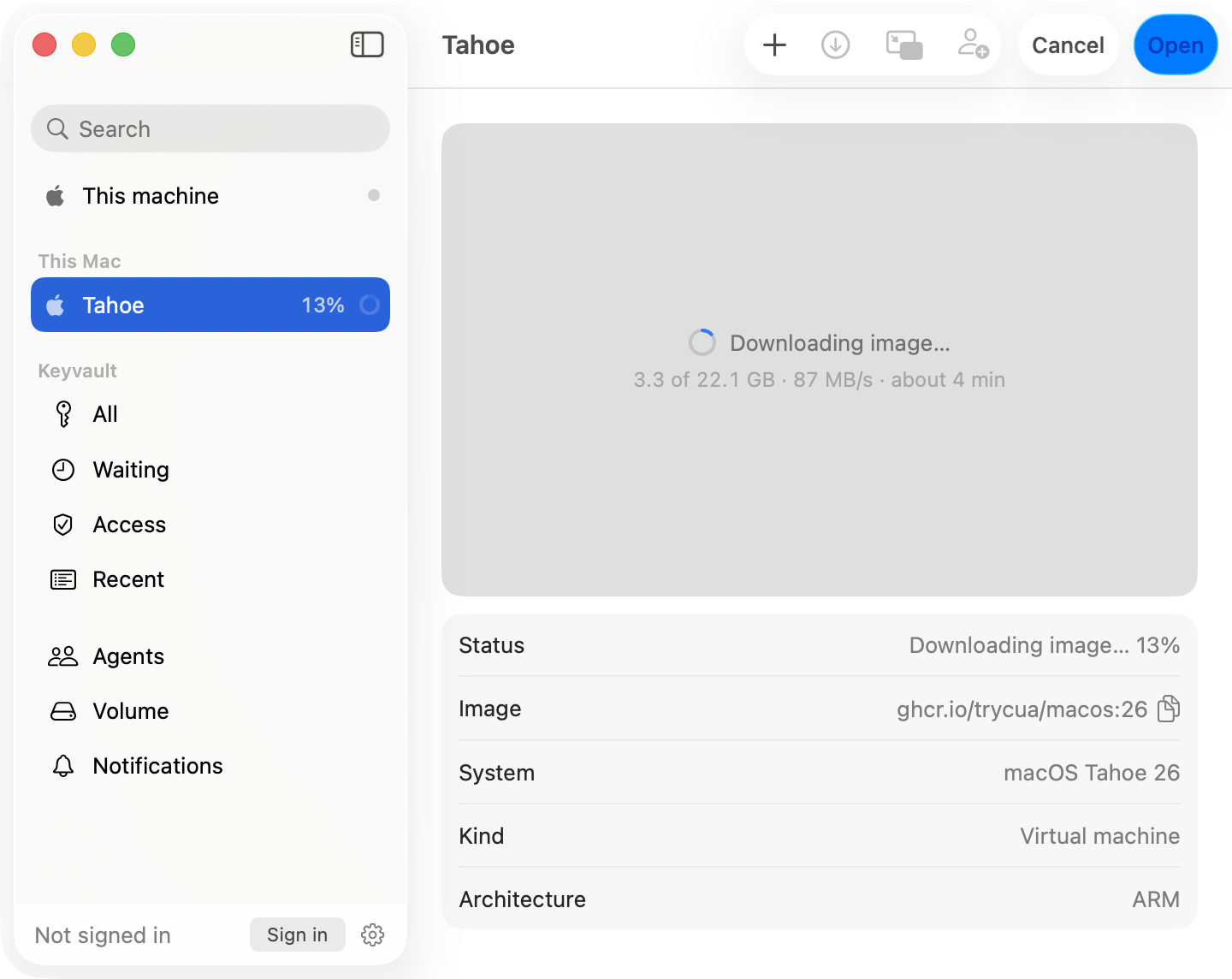
The app shows a progress bar, and under it while the image downloads
4.2 of 22.1 GB · 85 MB/s · about 4 min. cua spaces create prints the
same on one updating line. In code, pass a listener:
class Show(cua.SpaceCreateListener):
    def on_progress(self, p):
        print(p.space, p.phase, p.bytes_done, p.bytes_total, p.bytes_per_second)

created = await spaces.create_with_progress(cua.SpaceCreateOptions(image="macos"), Show())| Field | Value |
|---|---|
phase | preparing, pulling, creating, booting, waiting_for_services, connecting |
fraction | 0 to 1, when the step has one |
bytes_done, bytes_total, bytes_per_second | while an image downloads |
space | the id the Space will have (local:<name>) |
macOS images report bytes with a Lume whose pull API reports them
(downloadedBytes); an older Lume reports only a percent.
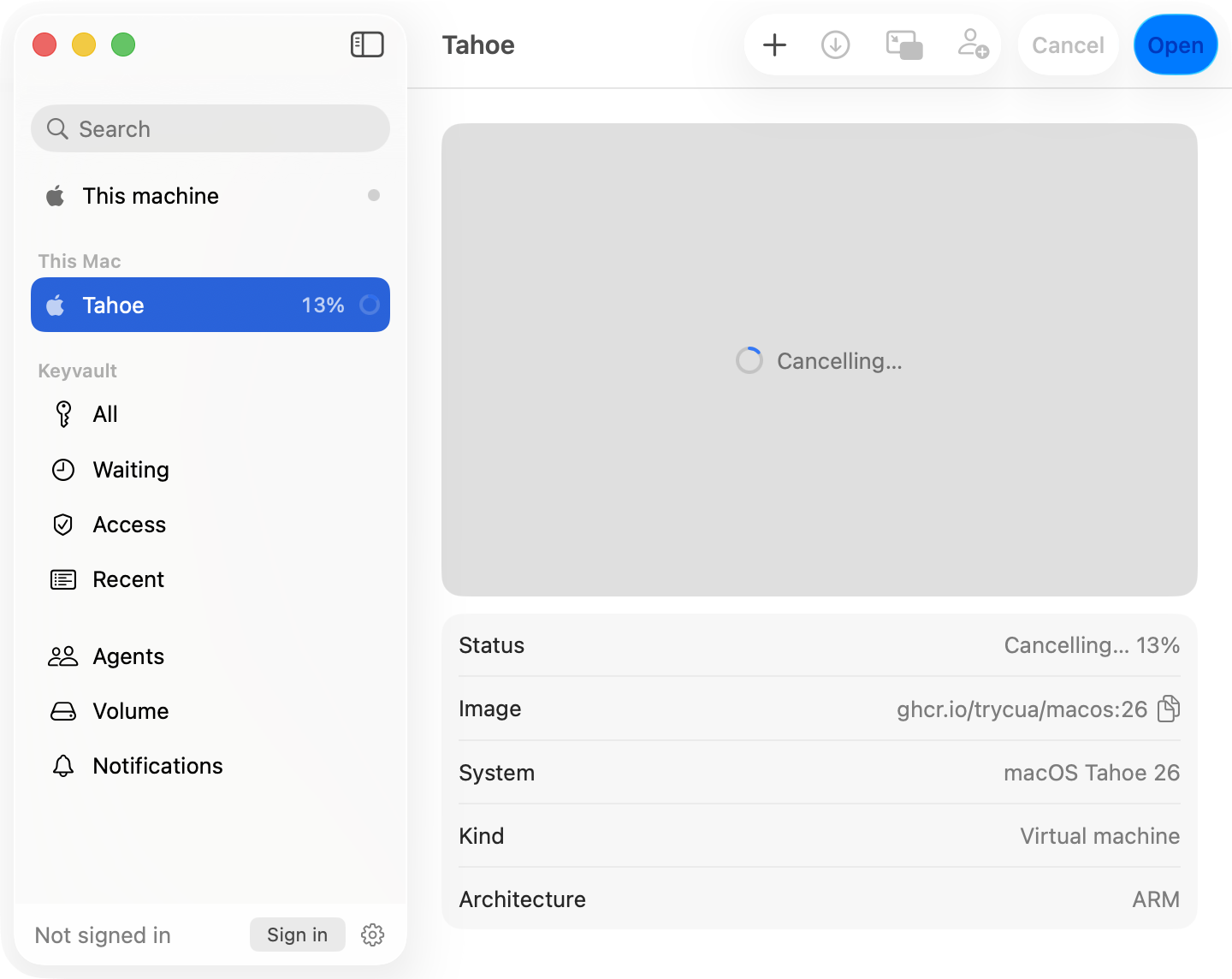
cua spaces create or cua sb create (exit code 130),
or from any terminal:cua spaces cancel local:space-1a2b3ccancel_create takes the create's create_id, the id the Space will
have (space in every progress report) or its name, and returns once the
cleanup is done. The create fails with CuaError.Cancelled.outcome = await spaces.cancel_create("local:space-1a2b3c")
print(outcome.state, outcome.message) # cancelled, not_creating or already_createdSandboxes: await sandboxes.cancel_create(name) returns what was removed, or
None. A cancel works across processes and after a daemon restart.
| Removed | Kept |
|---|---|
| The VM or container and its disks, the cloud claim, the relay machine, the registry entry, the create's journal | Anything that existed before the create |
| Partial downloads | Finished image layers in the engine's cache (Docker's; Lume's when its cache is on), so the next create resumes |
A Lume without POST /lume/pull/cancel cannot stop a pull: the create still
cancels, and the image finishes downloading in the background as a reusable
base.
cua spaces gpus
cua spaces create macos --gpu paravirtual
--gpu alone (or gpu="auto") picks the runtime's own option; the SDK
takes SpaceCreateOptions(gpu=...) and SandboxCreateOptions(gpu=...), and
spaces.gpu_support(on) lists what exists here.
| Runtime | Option | Where |
|---|---|---|
| Lume (macOS VMs) | paravirtual, GPU acceleration (experimental) | Apple silicon |
| QEMU | virgl | Linux hosts whose QEMU has virglrenderer, egl-headless and a render node; none on macOS |
| Containers | nvidia | Linux with the nvidia runtime, runc (not gVisor); none on macOS (Docker runs Linux in a VM without GPU access) |
| Modal | T4, L4, A10G, A100, H100 | |
| E2B, Daytona | none |
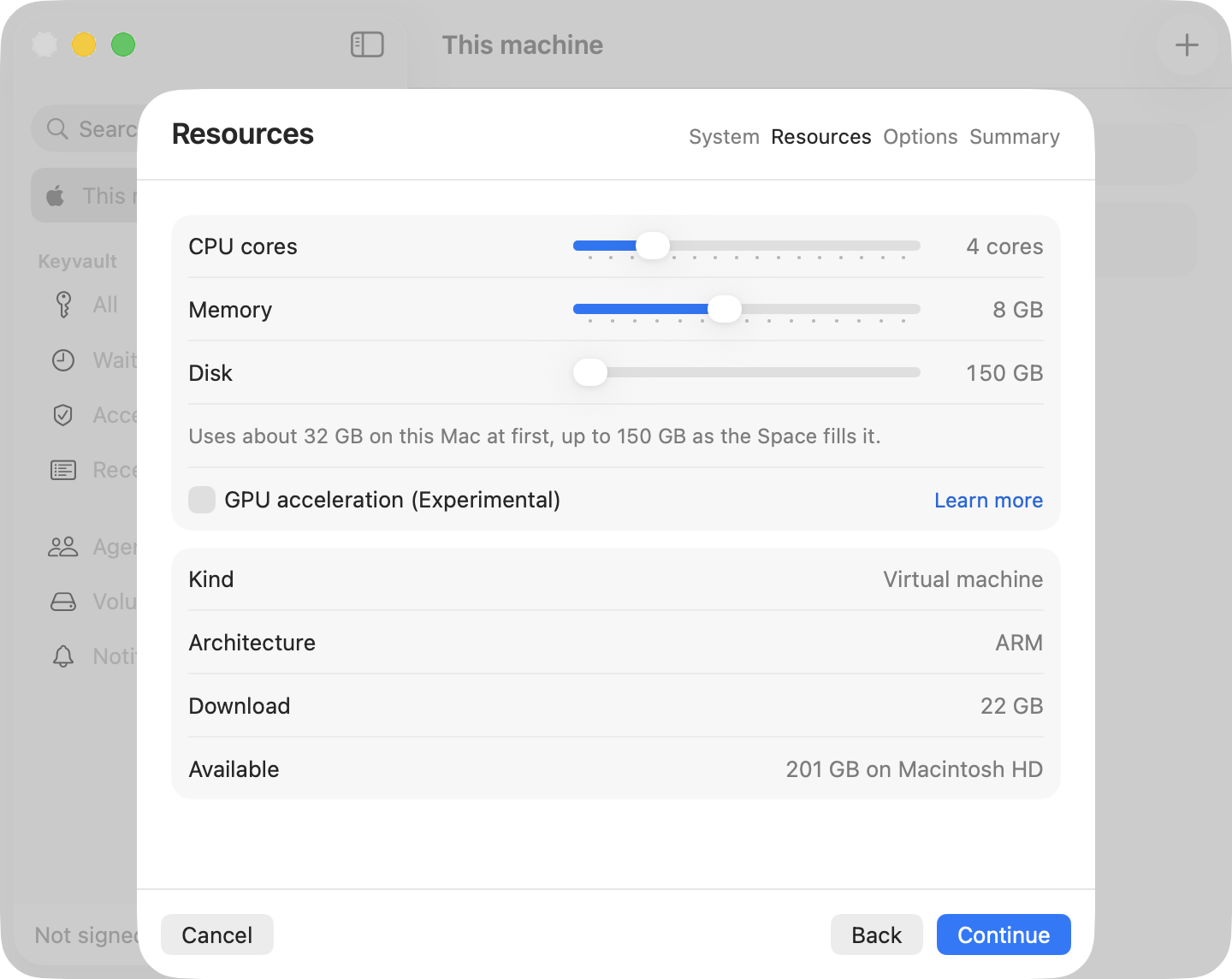
In the app it is the GPU checkbox on the Resources step of New Space. For
paravirtual, cua applies the unrestricted paravirtualized GPU feature level
before each start of the VM and removes it when the last GPU VM is deleted,
if cua set it. Metal apps in the guest may still need the per-workload shim:
Unlock Metal for a workload.
cua spaces lsLists registered Spaces and, when you are signed in, your machines on the
relay (relay:<machine-id>, no add needed). Register or forget one from a
shell:
cua spaces add 10.0.0.5:3211 --token "$CUA_ENV_TOKEN" --name studio
cua spaces rm studio
A Tailscale address works here too (its IP or
MagicDNS name as the host:port): cua spaces add reaches it like any other
address and the Space registers as direct:<addr>. That only attaches one
already-running Space; hosting Spaces for on="host:<name>" still goes
through the cua.ai relay, set up with
cua host setup.
spaces.delete(id) deletes a
Space's sandbox and forgets it (a Space added by address is only forgotten);
spaces.remove(id) forgets a Space without touching it.
In TypeScript the methods are create, delete_, add and remove, with
options from @trycua/cua/spaces. Agents use the MCP tools create_space,
delete_space, add_space and remove_space
(Use from an agent).